
Fetch & Sync
The Fetch & Sync workflow is the operational core of Auto Focus Keyword for SEO.
How it works
The process runs in two steps.
Step 1 — FETCH scans your published content and identifies pages, posts, or products that have no focus keyword value in the backend (via Yoast SEO, Rank Math, or AIOSEO). The plugin displays how many items were found without keywords.
Step 2 — SYNC takes each item from the waiting list and writes the page title as the focus keyword into the SEO plugin's meta field. You can remove items from the waiting list before syncing if some pages should not be auto-populated.
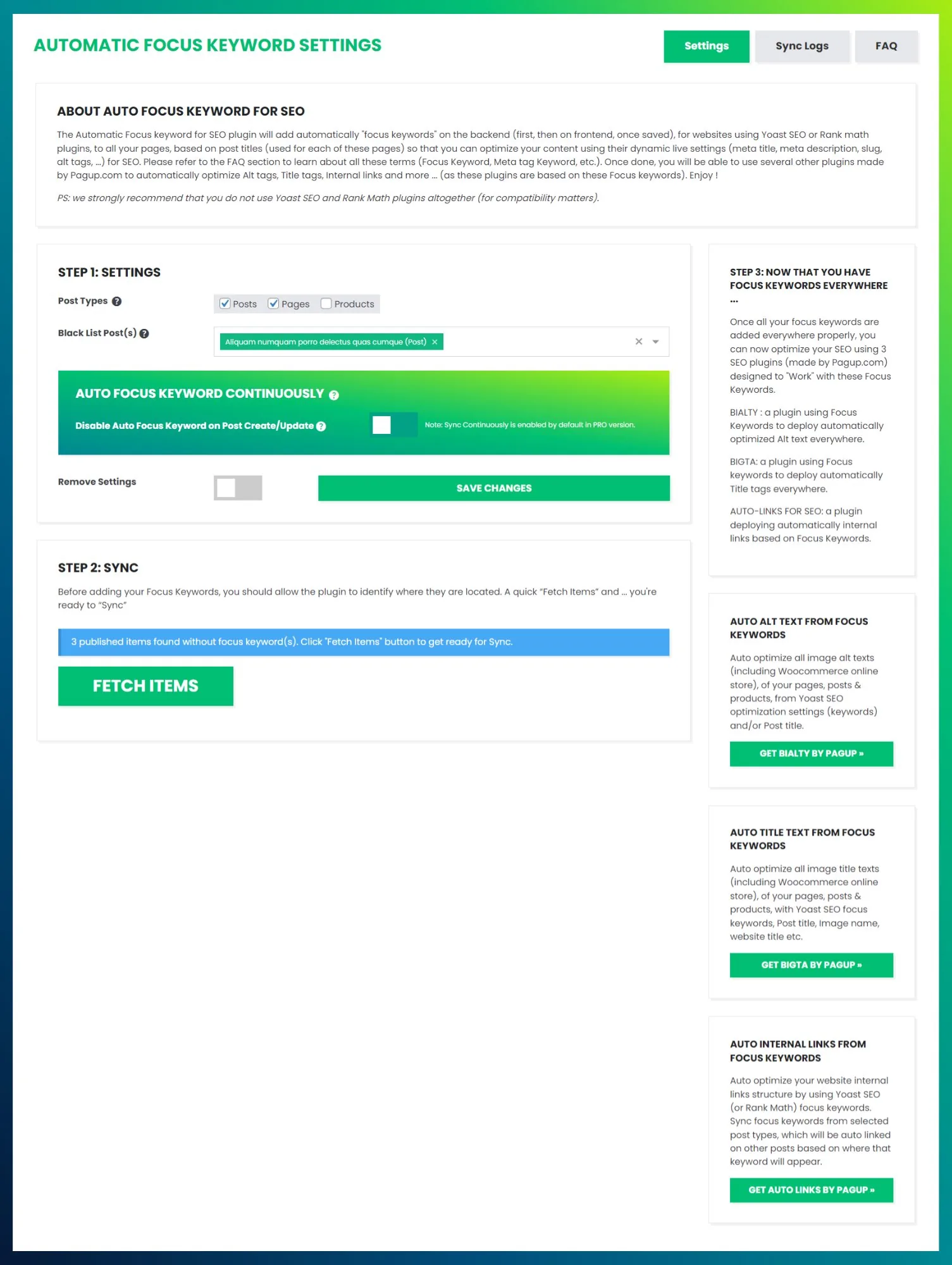
The progress bar shows real-time advancement. Once complete, all processed items appear in the Activity Log.
Batch processing
For sites with thousands of pages, the plugin processes items in batches to avoid server timeout. The batch size and offset are managed internally. You do not need to configure anything — the plugin handles pagination automatically.
What happens after SYNC
The focus keyword field is now populated for every synced item. This means:
- Yoast SEO or Rank Math will show SEO analysis based on that keyword.
- The colored indicators (green/orange/red dots in Yoast) become meaningful across the entire site.
- Other plugins that consume focus keywords — like Automatic Internal Links, BIALTY, or BIGTA — can now operate site-wide.
Practical notes
- Keep the page open during SYNC — closing the page cancels the process.
- You can remove individual items from the waiting list before syncing.
- If a focus keyword already exists for a page, the plugin does not overwrite it.
- The process only targets published content with the
publishstatus.
Related pages
- Focus Keyword / Overview
- Focus Keyword / Limitations — When page title ≠ ideal keyword
- Focus Keyword / Auto Sync (Pro) — Continuous sync on create/update
- Pipeline / Step 1