
 Automatic Internal Links for SEO
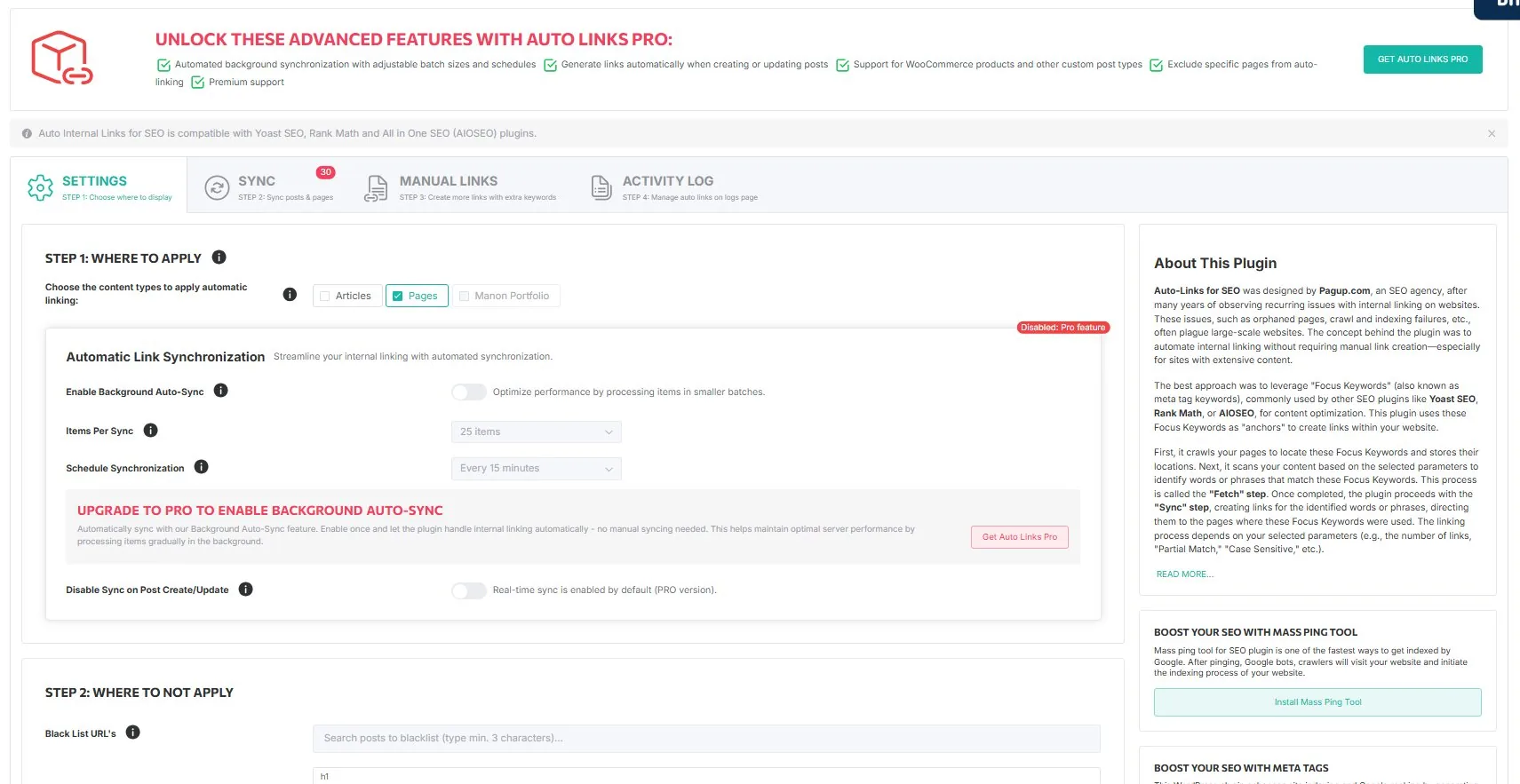
Automatic Internal Links for SEO is where the pipeline starts to affect site structure. The plugin scans focus keywords stored on the site, detects their occurrences in content, and creates internal links that point back to the relevant destination.
What makes this plugin strategically interesting
The plugin is deeper than the keyword tool. It has a synchronization layer, a rule layer for anchors and link attributes, exclusion logic at multiple levels (HTML tags, keywords, URLs, per-page metabox), a manual links layer for custom anchors, a logging and activity tracking system, a cache layer with transient management, and a background automation layer in the commercial scope.
That depth is why this site has a dense documentation model instead of a thin landing page.
The sync workflow in action
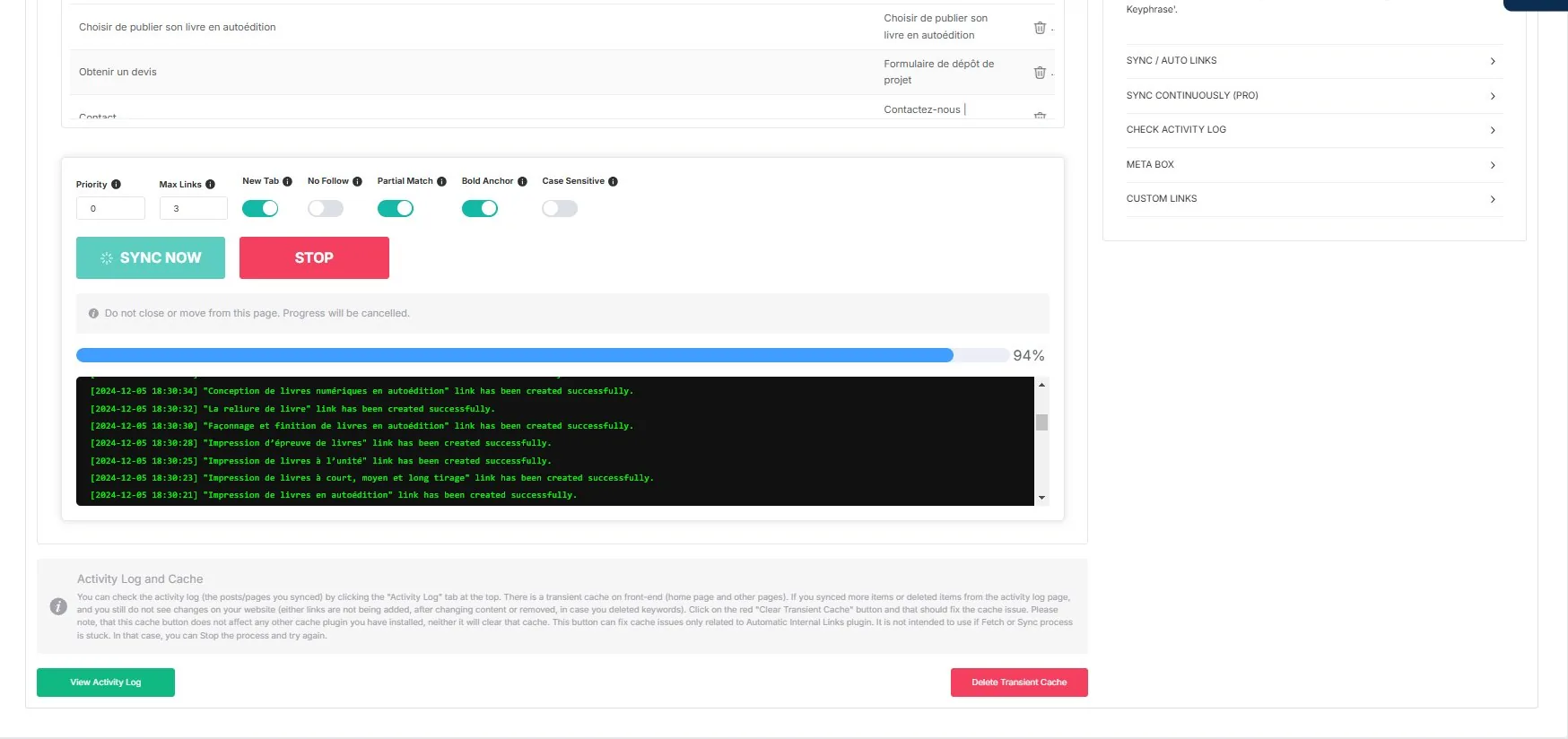
The sync process scans your content, matches focus keywords, and creates links in real time. The log shows each link created, with the keyword used and the destination page.
Free vs Pro — stated clearly
| Feature | Free | Pro |
|---|---|---|
| Manual SYNC | ✓ | ✓ |
| Custom manual links (internal + external) | ✓ | ✓ |
| Exclusions (tags, keywords, URLs, per-page) | ✓ | ✓ |
| Activity log | ✓ | ✓ |
| Continuous AUTO LINKS | — | ✓ |
| Background auto-sync (configurable batch/schedule) | — | ✓ |
| WooCommerce product pages | — | ✓ |
| Custom post types | — | ✓ |
Free gives you the manual SYNC flow. Pro adds the continuous AUTO LINKS behavior and broader commercial scope. This distinction matters and the site will not blur it.
Get Auto Internal Links Pro · Start 7-day paid trial · Download free on WordPress.org
Supported keyword sources
The linking engine works from the keyword layer exposed by Yoast SEO, Rank Math, and All in One SEO.
Read next
- Overview — How the plugin detects and replaces content
- Sync & Auto Links — Manual SYNC vs continuous AUTO LINKS
- Settings — All available options explained
- Manual Links — Create custom internal and external links
- Cache & Performance — Transient management and expiration
- Pipeline / Step 2 — How this fits the broader system