
Manual Links
Beyond the automatic SYNC flow, the plugin lets you create custom links from any word or phrase to any destination — internal or external.
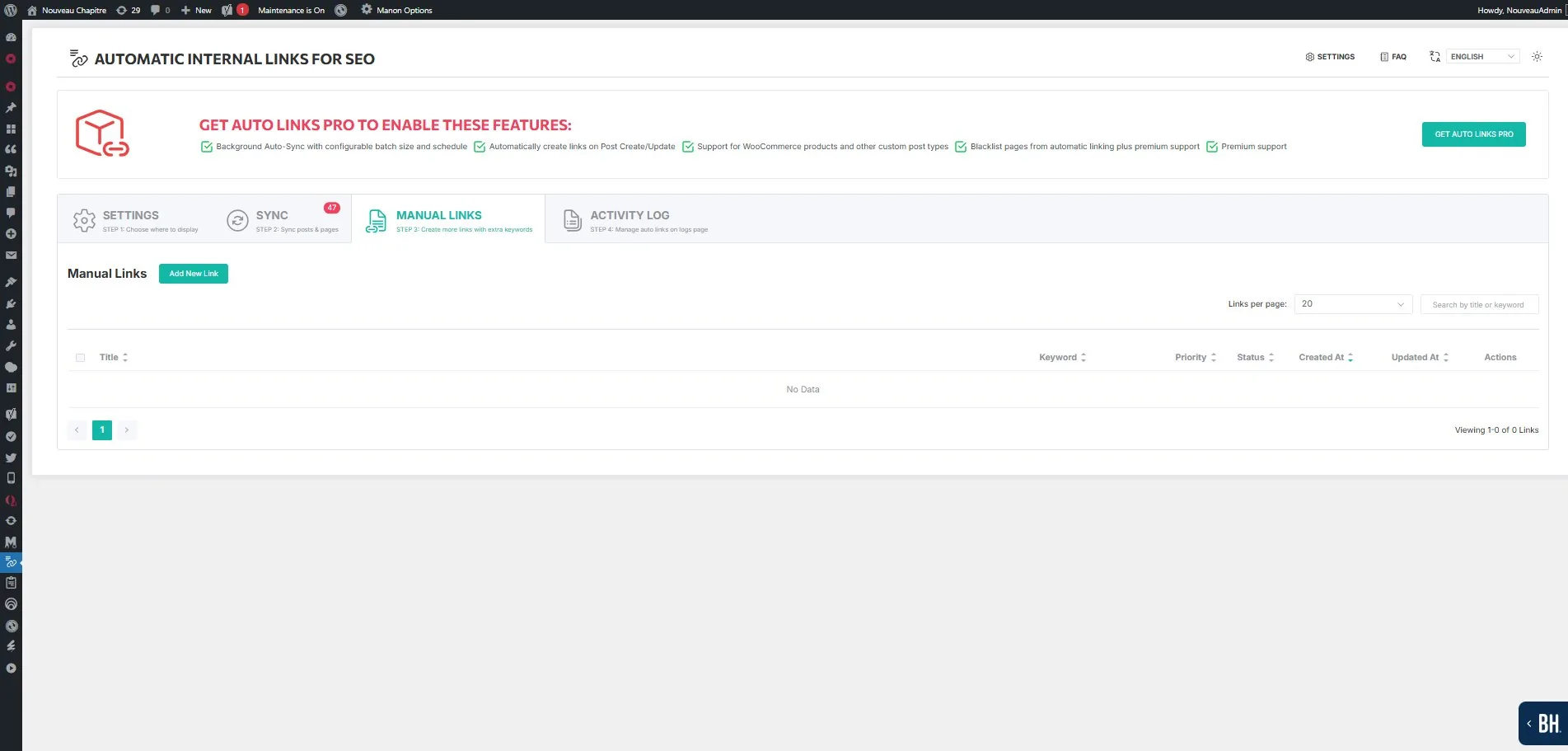
Internal custom links
Select an existing page, post, or product on your site as the destination. Define the keyword (anchor text) that should trigger the link when found in your content. The plugin applies the same replacement logic as the automatic SYNC — it scans content via the_content filter and injects the link at render time.
External custom links
You can also create links to external URLs. This is useful for linking to authority resources like Wikipedia, documentation, or partner sites. For external links, you define the URL, title, keyword, and link attributes manually.
Per-link controls
Each manual link has its own individual settings: new tab, nofollow, partial match, bold anchor, case sensitivity, priority, and max links per page. These settings can be overridden by the Global Override if enabled.
When to use manual links
Manual links are useful when the focus keyword for a page does not match the anchor text you want to use. For example, if your focus keyword is « digital marketing agency » but you also want the phrase « marketing team » to link to that page, create a manual link for it.