
Exclusions
Not every page should receive an auto-generated focus keyword. The plugin provides two exclusion mechanisms.
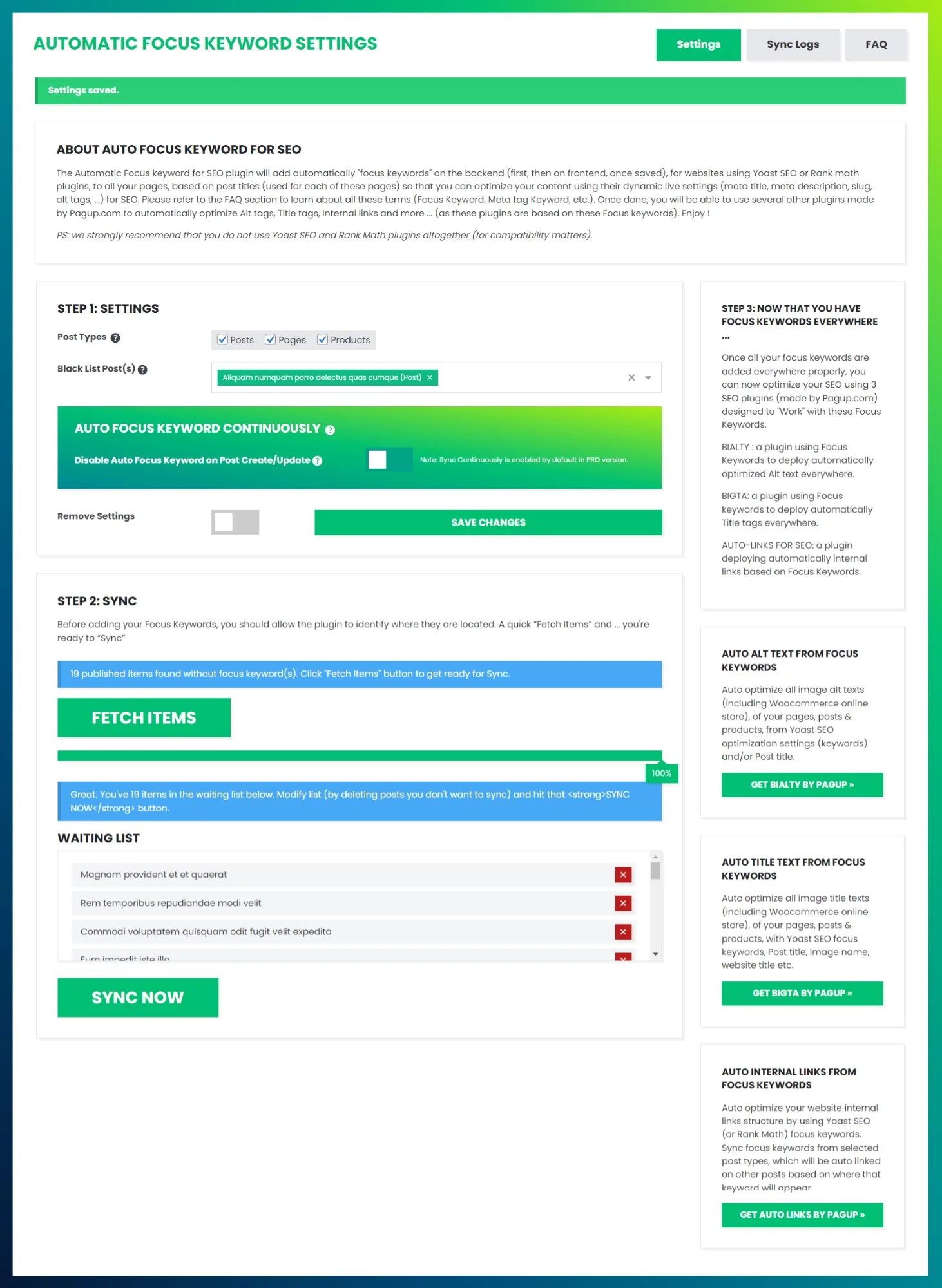
Black List Post(s)
In the Settings panel, use the Black List Post(s) dropdown to select specific pages, posts, or products that should be excluded from the FETCH → SYNC process. These items will not appear in the waiting list even if they have no focus keyword.
Per-content metabox (Pro)
In the Pro version, a metabox appears in the sidebar of each post/page editor, allowing you to exclude individual content from auto-sync on a per-page basis.
When to exclude
Typical exclusion candidates include the homepage, contact page, legal pages (privacy policy, terms), landing pages with specific keyword strategies, and any page where the title does not reflect the SEO target.