
Step 2 — Links
With focus keywords in place, the internal linking engine can operate.
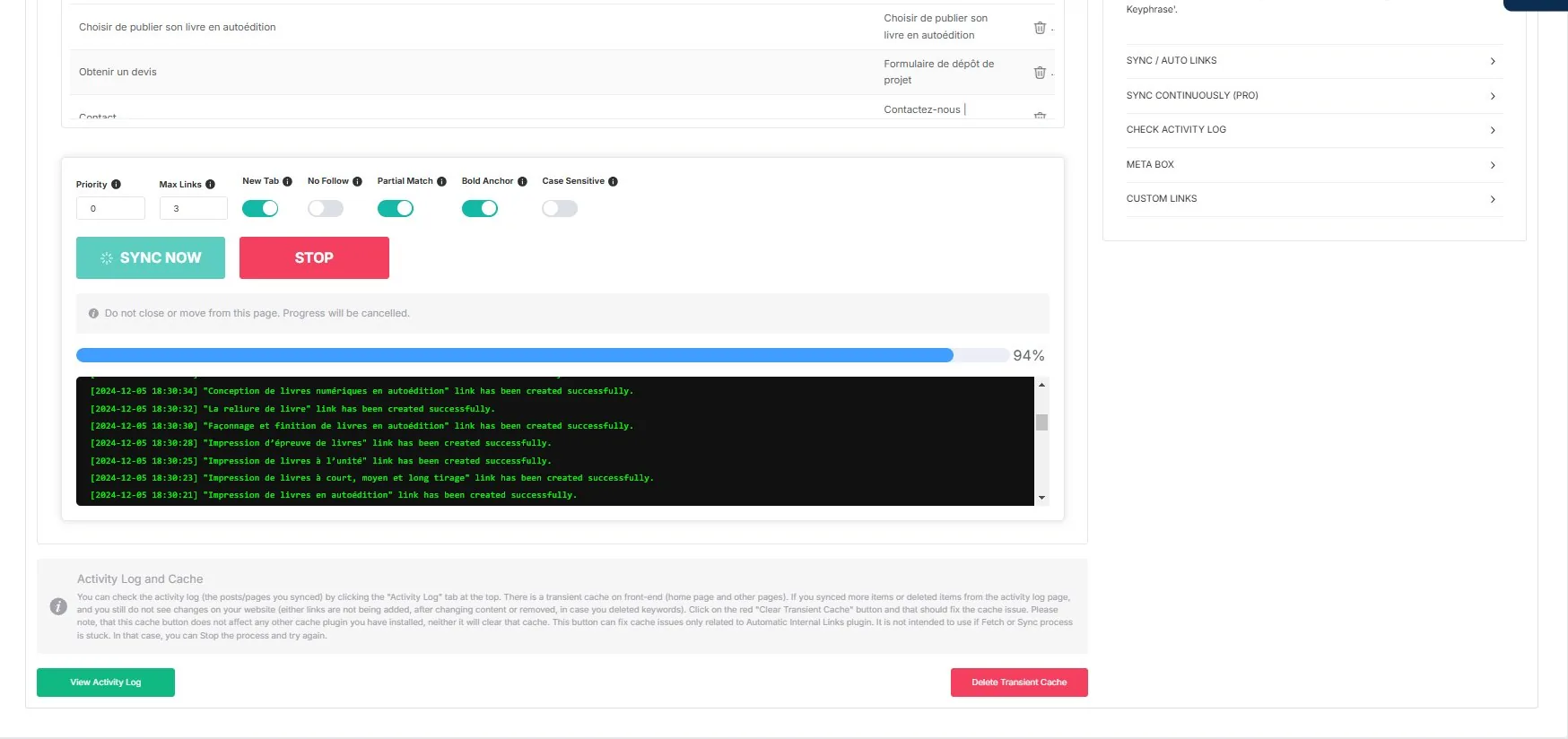
What this step produces
After running SYNC (or with AUTO LINKS enabled in Pro), the plugin creates internal links throughout your site content. Each link uses a focus keyword as anchor text and points to the page where that keyword was defined.
The linking logic
The plugin scans page content for text that matches stored focus keywords. When a match is found, it wraps the text in an <a> tag pointing to the keyword's source page. The process respects all configured exclusions, max links limits, priority values, and matching rules.
Augmenting with manual links
The SYNC flow covers all focus-keyword-based links. For additional linking needs (custom anchor text, external authority links), use the Manual Links feature.
Related pages
- Internal Links — Full plugin documentation
- Pipeline / Step 1 — Keywords
- Pipeline / Step 3 — Ecosystem