
Activity Log
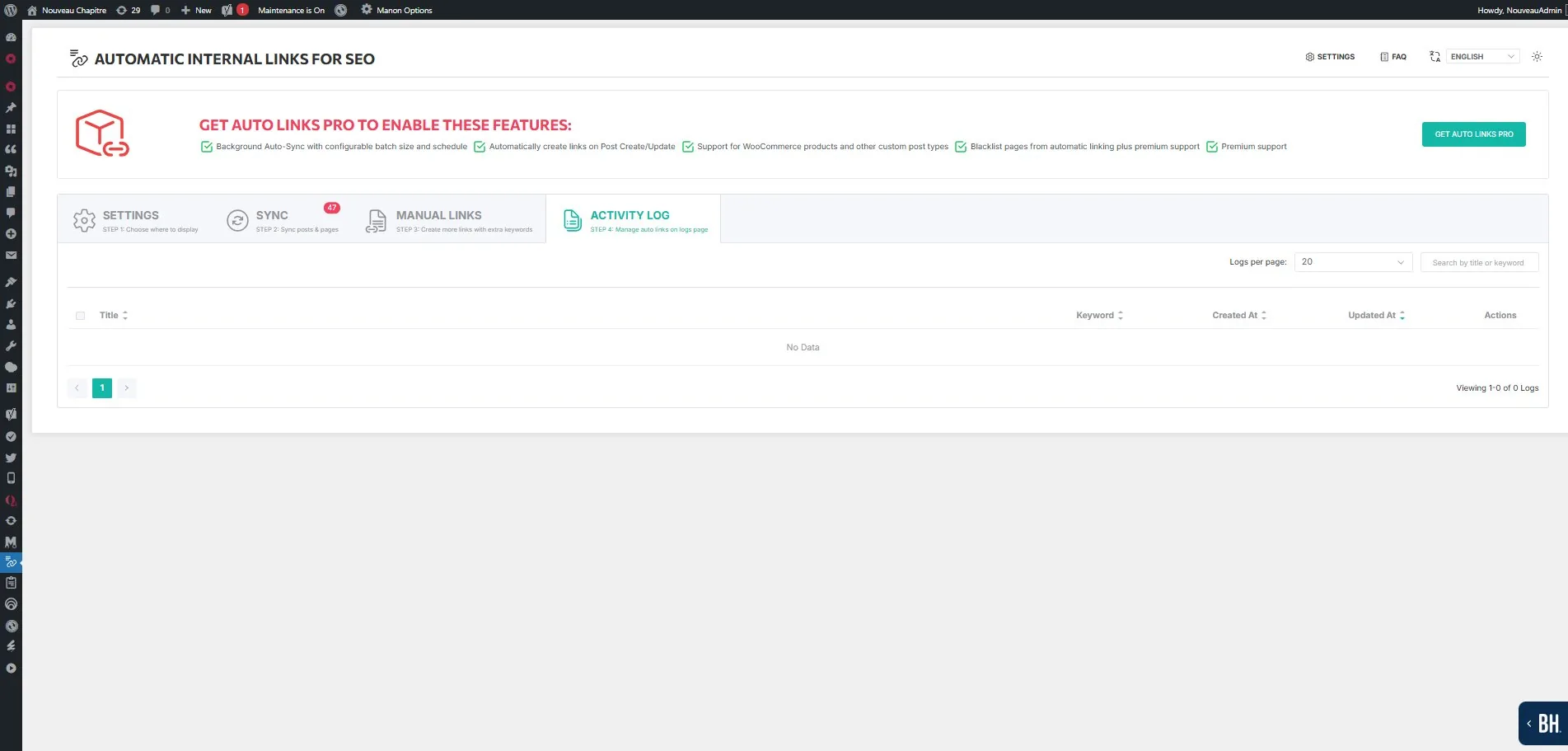
The Activity Log is the fourth step in the plugin interface. It shows every link created through the SYNC or AUTO LINKS process.
What the log contains
Each entry shows the page title, the keyword used as anchor text, the creation date, the last update date, and available actions (edit, delete).
You can search by title or keyword using the search field, and paginate through results using the logs-per-page setting.
Managing entries
Deleting an entry from the activity log removes the corresponding link from your site at the next render. Since links are injected at render time via the_content filter, the removal takes effect immediately for new page views (subject to cache expiration).
You can also delete entries in bulk using the checkbox selection.
Relationship with cache
If you delete or modify items in the activity log and do not see changes on the frontend, use the Delete Transient Cache button on the Sync tab. This clears the plugin's internal transient cache without affecting any other cache plugin on your site.